Turn Your Existing Workflow Into a Real Mobile App
Tell AI what your business needs, or start with an Excel sheet or PDF. It builds a working app you can preview, check, and change without writing code.
AI Builds It. You Stay in Control. Our Team Helps When Needed.
Free account · 30 days of Team features · No credit card
Start with your workflow. Get a working preview with sample data.
See it working.
Works in airplane mode
Fill in forms, take photos, and capture signatures with no signal. Everything is saved on the phone and syncs on its own when the connection returns.
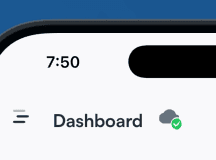
Watch the cloud icon: changes made in airplane mode wait as pending, then sync as soon as the phone is back online.
Turn an existing document into an app
Upload the Excel sheet or PDF your team fills in today. BizAppKit builds an app around the same information, so you never start from a blank canvas.
Spreadsheet or PDF → a few questions → a working app on your phone
equipment-inspections.xlsx
Inspection
Asset
Last inspection
Status
Photo
Send finished reports from the field
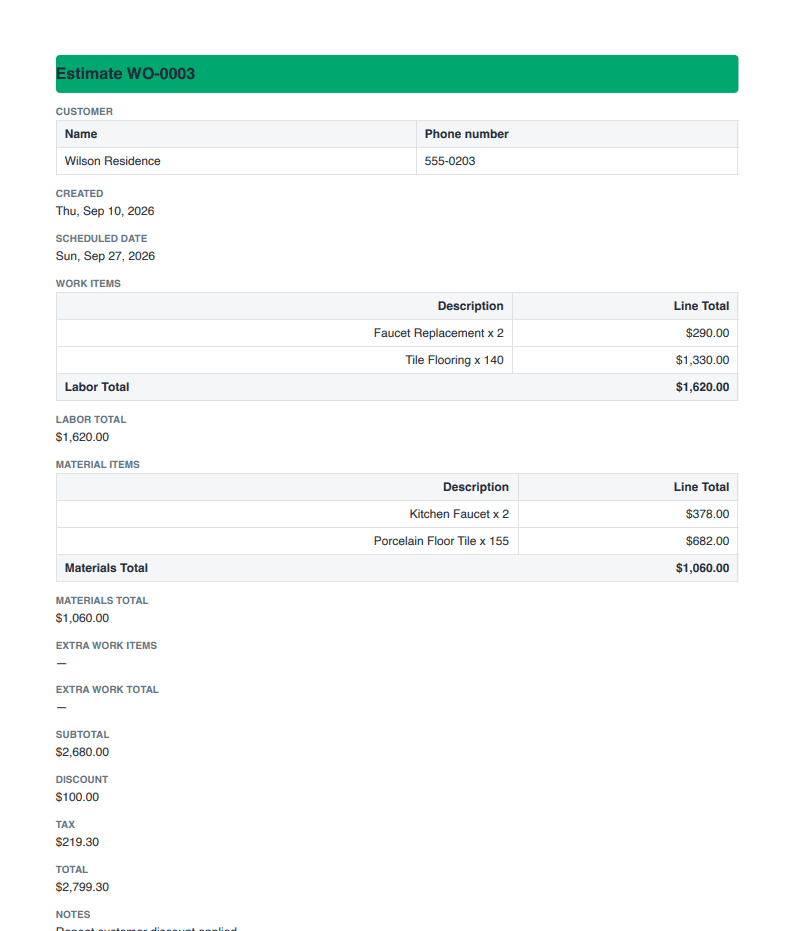
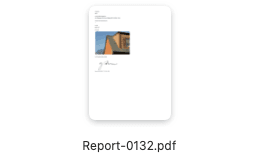
Data, photos, calculations, and signatures captured in the app become a PDF report you can email from the job site.
Completed job → PDF report → emailed to the office or the customer
Change the workflow without rebuilding the app
Add fields, validation, calculations, and conditional steps as your process changes. Your team gets the update without an app-store release.
Example: a formula marks equipment “Inspection Required” once its last inspection is too old.
Built for real-world work.
Capture
Forms · Checklists · Photos · Signatures · GPS · Barcode & QR scanning
Apply business logic
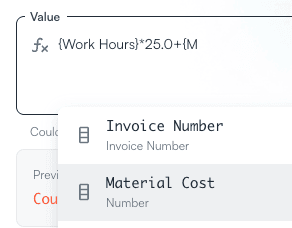
Excel-style formulas · Validation · Conditional workflows · Data references
Work offline
Forms, photos, barcode scans, and GPS keep working with no signal and sync when the phone reconnects.
Create output
PDF reports · Email · Records your office can use
Connect
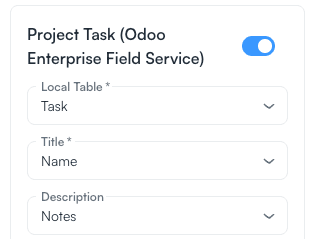
Run BizAppKit on its own, or connect it to Odoo and other systems when you need to.
Start with the work. Not a blank canvas.
Start from what you have
Pick a template, describe your workflow, or upload the Excel sheet or PDF you use today. Answer a few questions about how your process works.
Try it, then make it yours
BizAppKit builds a working app with sample data. Change fields, screens, rules, and calculations until it fits.
Give it to your crew
Your team installs the BizAppKit app on iOS or Android and signs in. Your changes reach their phones without an app-store update. Enterprise customers can get a branded app.
Start from a working app.
Open a template, try it with sample data, then change anything to match your process.
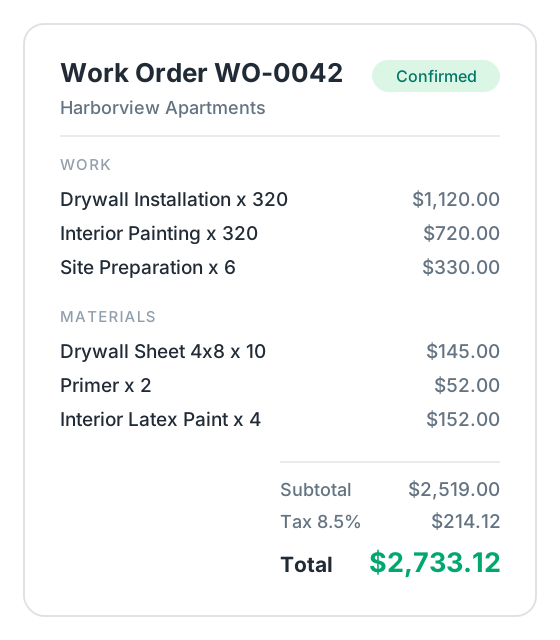
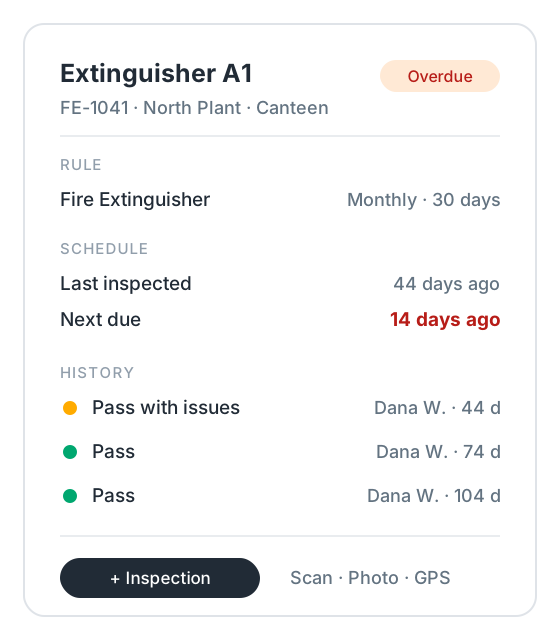
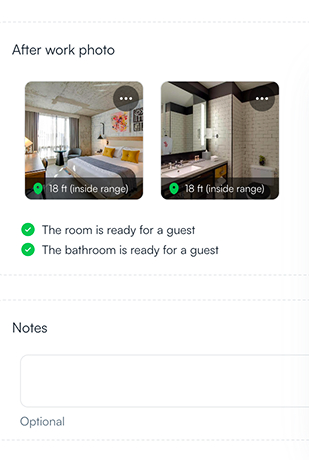
Don’t see your workflow? Describe it and BizAppKit builds it:
Start free. Upgrade when the workflow is ready for your team.
Free
Build and test
$0
Build apps and try them with sample data on your own phone.
Starts with 30 days of Team features
Unlimited apps
Forms, checklists & formulas
Photos & file uploads
Mobile app for iOS & Android
20 AI assistant requests during the trial
Team
Run apps with your team
$39
/ month
includes 10 users
Everything your crew needs in the field: offline work, photos, barcodes, GPS, PDF reports, and integrations.
Unlimited apps
Mobile app for iOS & Android
10 users included
Offline & real-time sync
Photos, barcodes & GPS
PDF reports, signatures & email
100 AI assistant requests / month
Odoo integration (two-way sync)
Standard support
Enterprise
Fit BizAppKit into your organization
Custom pricing
For organizations that need:
Custom integrations
Branded mobile app
Workflow conversion
Data migration
Custom deployment
Rollout assistance
Every plan includes
Unlimited apps with no per-app fees · Cancel anytime · Your apps stay in your account if you don’t upgrade
10 spots: we set up your first workflow for free
Bring the spreadsheet, PDF, or paper form your crew uses today. We’ll turn it into a working app with you and lock the Team price at $39/month for 2 years. In return, we ask for honest feedback and a short case study.
Book a call to claim a spotFree 30-minute call. No commitment.
Have a question before you try it?
Choose the perspective closest to yours.
A working mobile app your team can use on iOS and Android. Start from a template, describe your process, or upload the Excel sheet or PDF you use today. BizAppKit builds the first version with sample data, so you can try it before you invite your team.
No. Start with a template or your existing workflow and let BizAppKit create the initial app. You can then adjust fields, screens, formulas, rules, and workflow steps yourself, use AI-assisted changes, or get implementation help when needed.
Yes. Start from the Excel sheet or PDF your team fills in today, or just describe the process. Keep the parts that work and change the parts that don’t.
A spreadsheet is hard to use on a phone at a job site, and a forms app collects answers. BizAppKit runs the whole workflow: linked records, Excel-style formulas and rules, photos, signatures, barcode scanning, offline sync, and PDF reports, built around your process.
Templates can produce a working preview in minutes. More customized workflows may take longer to configure, while integrations, data migration, branded apps, and other Enterprise requirements are scoped separately.
Yes. You can start with BizAppKit as a standalone operational app. There is no need to integrate another system before trying it. Exchange data with your ERP, CRM, inventory system, or other software when it becomes useful.
Update the app instead of starting another software project. Change fields, screens, formulas, validation, and workflow rules as your process evolves. Changes reach your team’s phones without an app-store update.
Every account starts with 30 days of Team features and 20 AI assistant requests, with no credit card. After the trial, your apps stay in your account and you can keep testing them on the Free plan. Upgrade to Team to use them with your team and get 100 AI assistant requests a month.
Enterprise is for organizations that need more than the standard self-service product. It can include custom integrations, workflow conversion, data migration, branded mobile apps, more complex business logic, deployment assistance, higher limits, and priority support.
Turn your workflow into an app.
Describe your process or upload the spreadsheet your team uses today. Or start from a template.
Build My AppFree account · No credit card · Sample data included